
Orientation: Getting Started with Your Platform
- View
4. Moving Through a Unit — the Book Activity
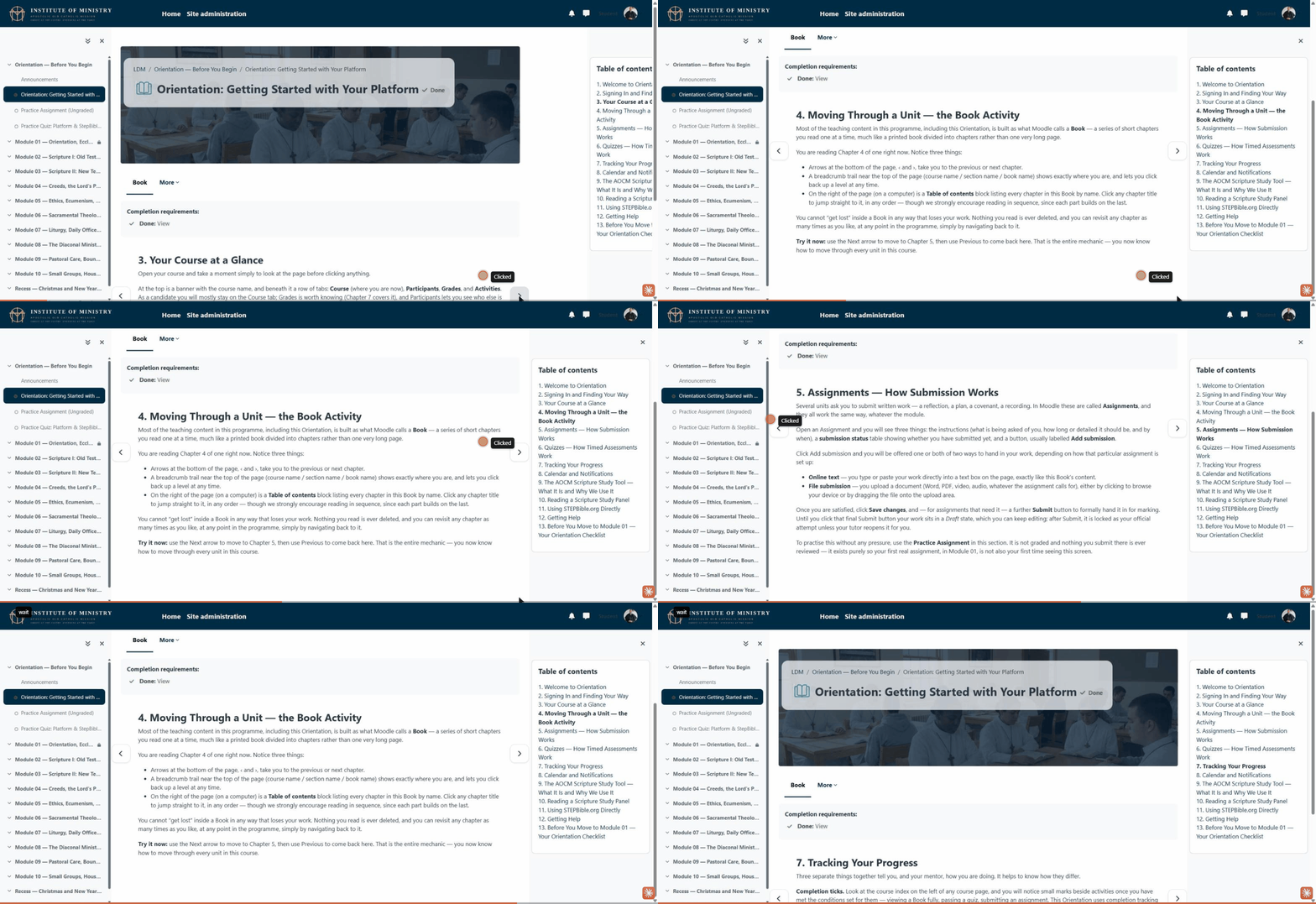
The short recording above shows this in action: moving forward and back through chapters with the arrows, and jumping to a chapter from the table of contents.
Most of the teaching content in this programme, including this Orientation, is built as what Moodle calls a Book — a series of short chapters you read one at a time, much like a printed book divided into chapters rather than one very long page.
You are reading Chapter 4 of one right now. Notice three things:
- Arrows to the left and right of the page, ‹ and ›, take you to the previous or next chapter.
- A breadcrumb trail near the top of the page (course name / section name / book name) shows exactly where you are, and lets you click back up a level at any time.
- On the right of the page (on a computer) is a Table of contents block listing every chapter in this Book by name. Click any chapter title to jump straight to it, in any order — though we strongly encourage reading in sequence, since each part builds on the last.
You cannot “get lost” inside a Book in any way that loses your work. Nothing you read is ever deleted, and you can revisit any chapter as many times as you like, at any point in the programme, simply by navigating back to it.
Try it now: use the Next arrow to move to Chapter 5, then use Previous to come back here. That is the entire mechanic — you now know how to move through every unit in this course.